

Treblab Move Pace Wireless Headphones (Z2)
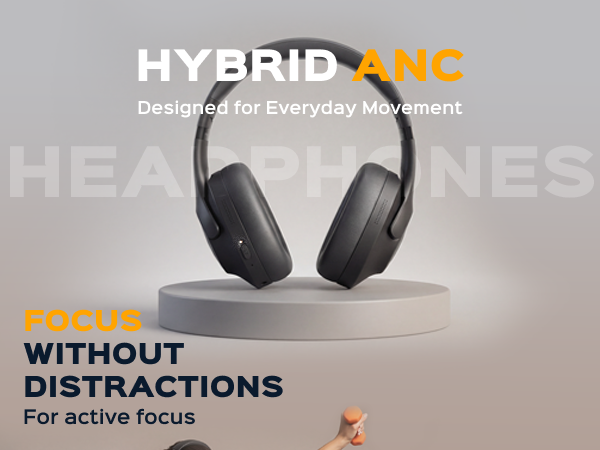
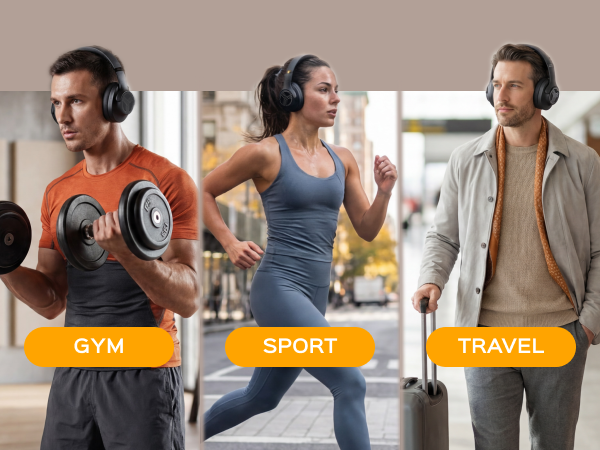
Advanced Noise Blocking — Z2 Bluetooth over-ear headphones reduce distracting background noise with active feedback ANC (up to 19dB), helping you stay focused at the gym, on the go, or during travel. Wireless Convenience — Z2 wireless running headphones deliver stable audio with Bluetooth 5.3. IPX4-rated sweat and light rain resistance adds durability for intense workouts and outdoor use. Exte...
| Type | Headphones |
| Bluetooth | Bluetooth 5.3 |
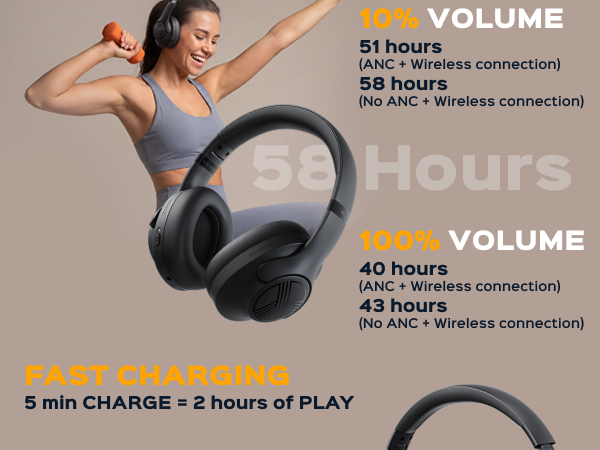
| Battery Life | Up to 58h Playtime |
| Signal Range | Up to 33 ft Wireless Range |
| Noise Cancellation | Feedback ANC –25dB |
| Water Resistance | IPX4 Splash-Resistant |
| Color | White Logo, Black Logo |
| Headphones | × 1 |
| Charging cable | USB-C, × 1 |
| Quick-start guide | × 1 |
| Warranty card | × 1 |
Questions about this product? Contact support or browse the FAQ.
- Advanced Noise Blocking — Z2 Bluetooth over-ear headphones reduce distracting background noise with active feedback ANC (up to 19dB), helping you stay focused at the gym, on the go, or during travel.
- Wireless Convenience — Z2 wireless running headphones deliver stable audio with Bluetooth 5.3. IPX4-rated sweat and light rain resistance adds durability for intense workouts and outdoor use.
- Extended Playtime & Quick Charge — Enjoy up to 58 hours of playtime with Z2 wireless gym headphones. A 2-3 hour USB-C quick charge gives you enough power for all-day use.
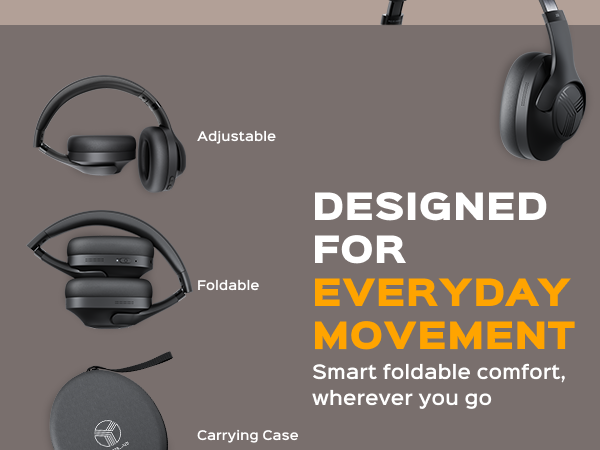
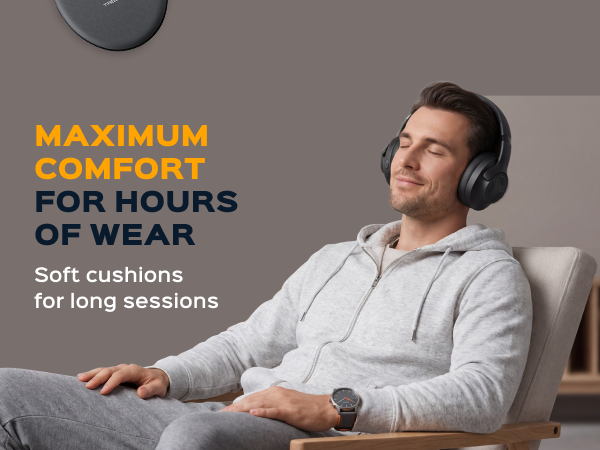
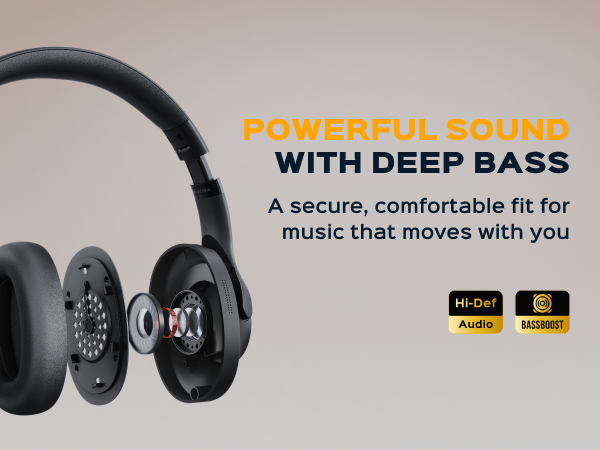
- Comfortable Design: Z2 over-ear Bluetooth headphones are crafted from supreme, extra-soft materials; Skin-friendly texture and swivel ear-cups provide a pressure-free fit and keep your ears cool.
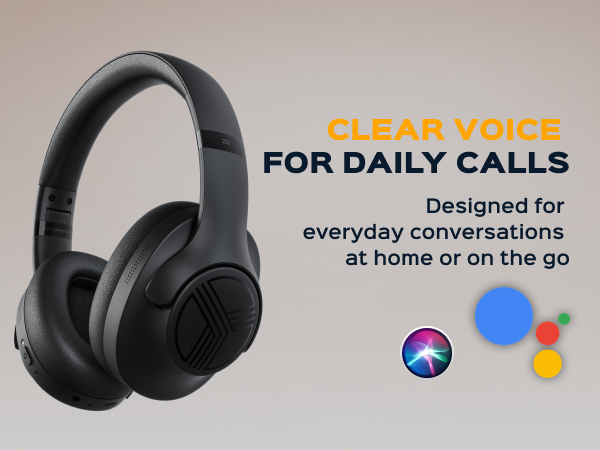
- Clear Calls & Voice Assistance — Z2 wireless sport headphones include a built-in unidirectional mic for clear phone calls. Compatible with voice assistants like Siri and Google Assistant.
Don't miss an important phone call — Z2 comes with a built-in HD microphone and Voice assistants: Siri, Google Assistant, Bixby, Alexa. Ultra soft earpads & premium materials — Enjoy total comfort without any fatigue no matter how long you're wearing your headphones. Made tough for sweaty workouts — Z2 are IPX4 sweatproof and water-resistant. Don't worry about breaking your headphones with sweat. Instant pairing and unbreakable connection — Latest Bluetooth 5.3 technology ensures the most stable connection and pairing in less than 2 seconds.







Frequently asked
The headphones do not charge, what should I do?
The headphones cannot be found by a source device, what should I do?
I can see the headphones in the wireless device list, but they fail to connect to the source device, what to do?
The connection between the headphones and source device is inconsistent, what should I do?
Are the earpads replaceable?
Related products


