

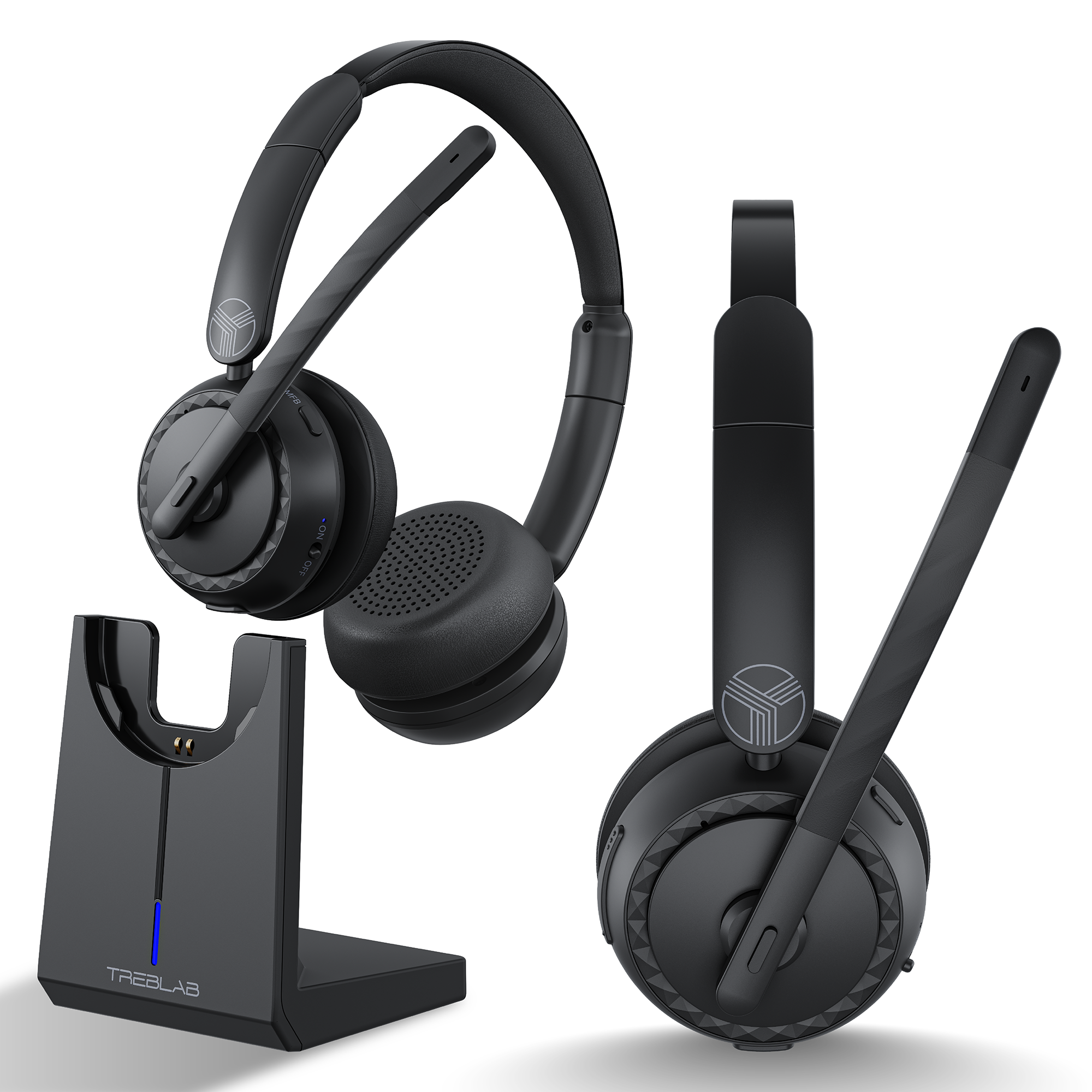
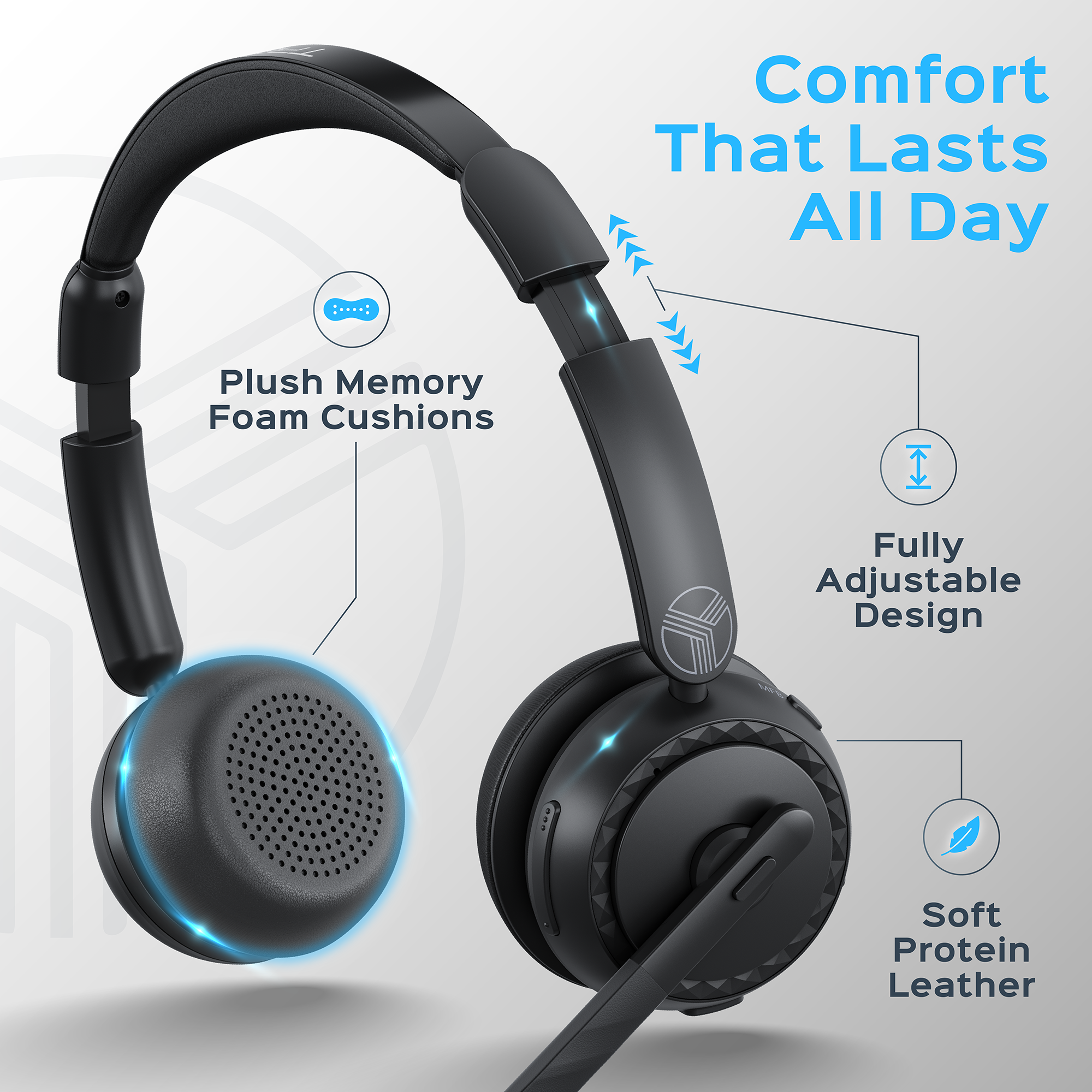

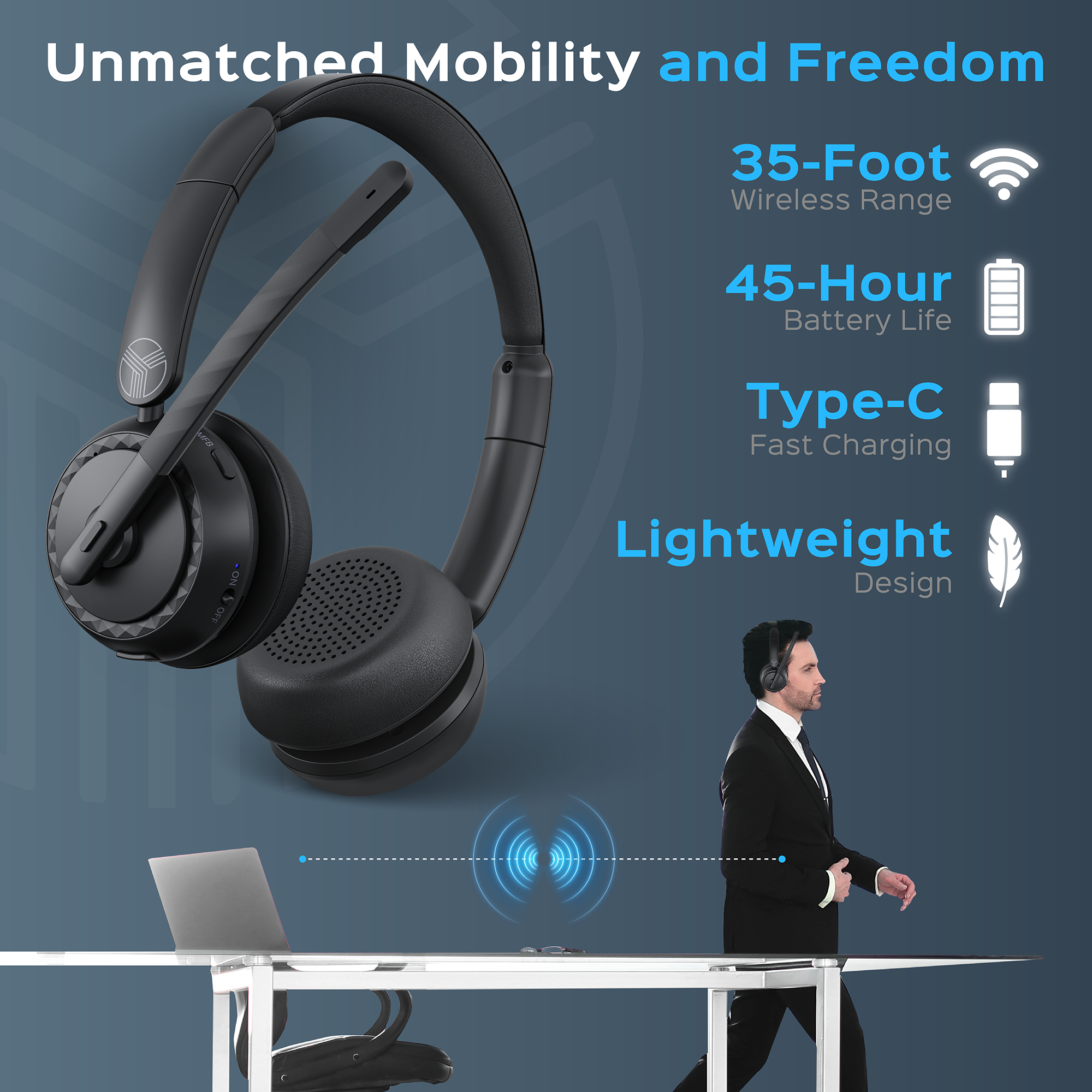

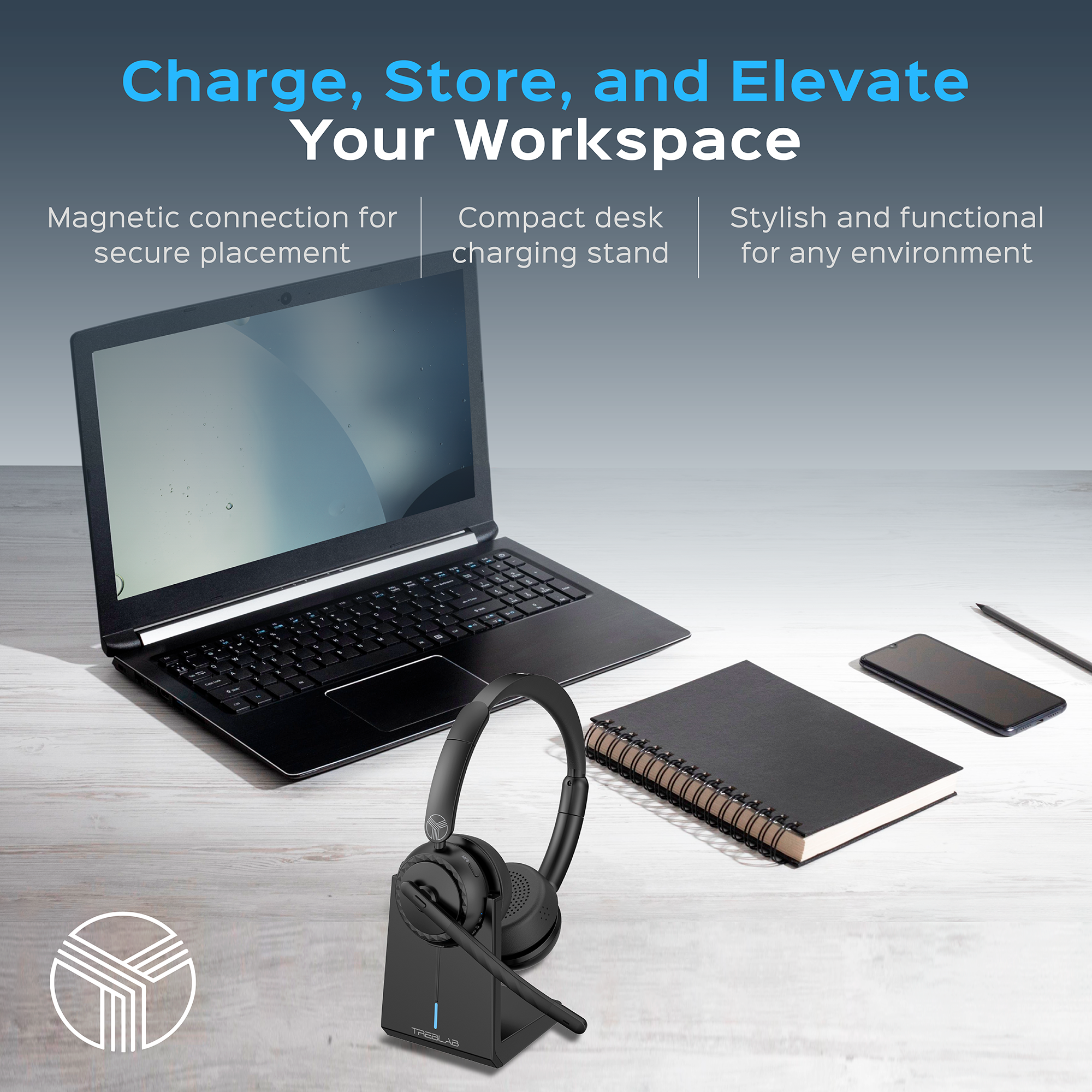


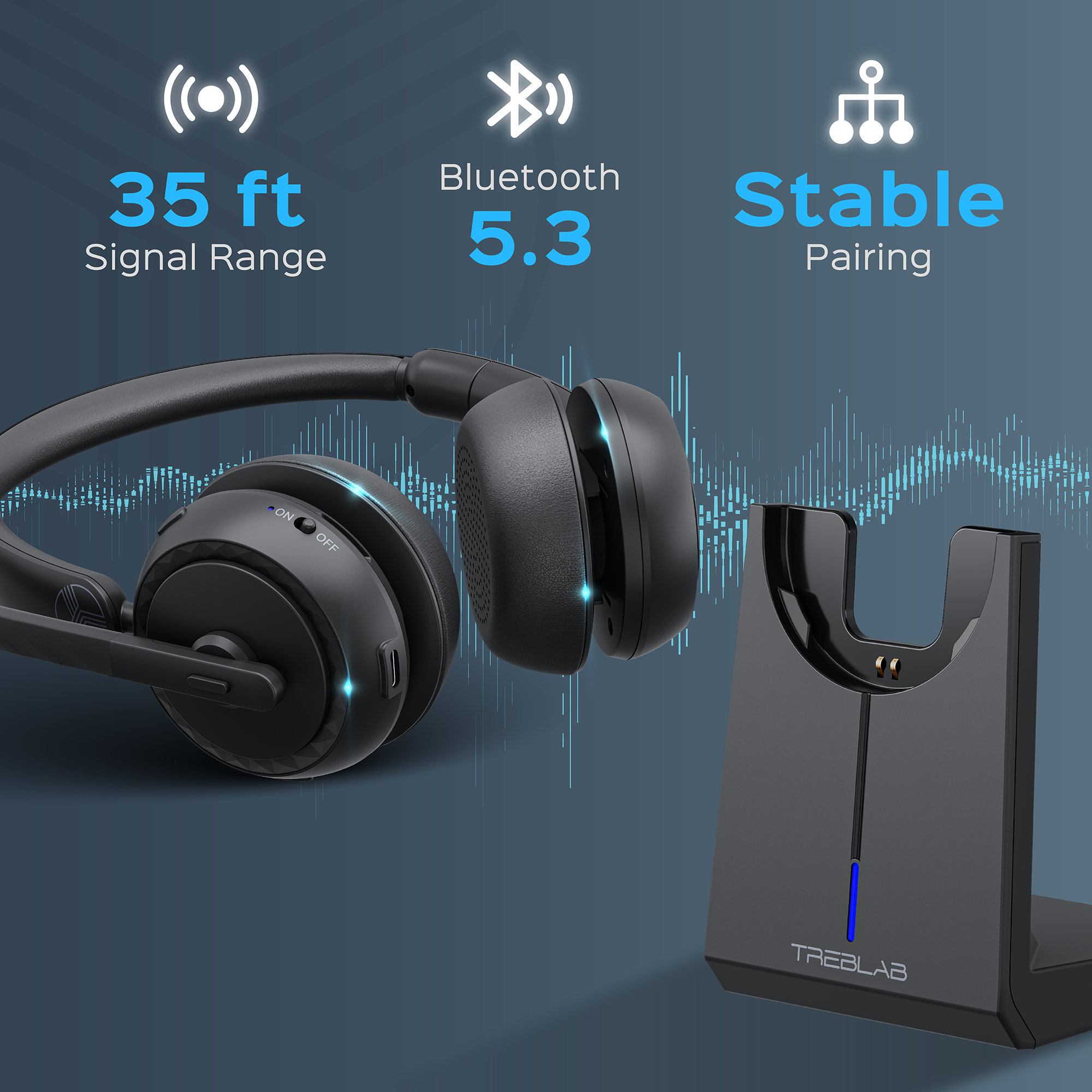
TREBLAB C7-Pro Conference Wireless Headset


TREBLAB C7-Pro Conference Wireless Headset
If you have any questions, you are always welcome to contact us. We'll get back to you as soon as possible, within 24 hours on weekdays.
-
Shipping Information
Use this text to answer questions in as much detail as possible for your customers.
-
Customer Support
Use this text to answer questions in as much detail as possible for your customers.
-
FAQ’s
Use this text to answer questions in as much detail as possible for your customers.
-
Contact Us
Use this text to answer questions in as much detail as possible for your customers.
Why you need it
Benefits


Product details
Specs
In The Box
Warranty
Every TREBLAB product purchased directly from our official store is covered by limited1 year warranty for New Products and 90 days warranty for Renewed.
f the product is determined to be defectiveTREBLAB will replacethe product or its defective parts.
If you experience any issues with your TREBLAB product, our Customer Care Agents are ready to help you. Please use Contact Us form.
Delivery
- FREE Standard Shipping on contiguous US orders over $49.
- $4.95 on contiguous US orders under $49 and on all non-contiguous US orders.
- 1 year warranty
- 30 day money back guarantee
Standard Shipping:
- Within the USA – up to 3-8 business days from the date of order shipment.
- International orders - up to 15-20 business days from the date of order shipment.
- Please note that due to the COVID-19 we temporary do not provide Expedited International delivery. There may be delays in domestic and Standard International delivery as well.
Expedited shipping:
- Contiguous US – up to 2-3 business days from the date of order shipment and costs $20 per order.
- Alaska, Hawaii and Puerto Rico - up to 3-5 business days from the date of order shipment and costs $25 per order.
- International orders - up to 7 business days from the date of order shipment and costs $50 per order.
For more information, please, just click Shipping Policy. If you experience any issues with your TREBLAB product, our Customer Care Agents are ready to help you. Please use Contact Us form.
Returns
In order to return the item, please go to Support section above -> Contact Us -> Choose Product Model -> Return Product.
If any item received from TREBLAB does not meet your expectations, you may return the item within 30 days after you receive it.
If the product is determined to be defective within the warranty period due to improper materials or workmanship, TREBLAB will replace the product or its defective parts (with new or refurbished product) or refund your purchase.
For more information, please, just click Return Policy. If you experience any issues with your TREBLAB product, our Customer Care Agents are ready to help you. Please use Contact Us form.
Manual
Authorized Online Dealers











FAQs
Please read our FAQs page to find out more.